Building Your Profile
Please follow all the steps below to set up your profile. This is a one-time process, and its accuracy directly impacts job searches, applications, and the overall efficiency of the tool. Proper setup is crucial for optimal performance, so ensure you complete each step carefully.
Profile Setup Steps
Step 1: Click on “Profile Setup”
Click on Profile Setup located on the left side panel

Or Click here to view your profiles
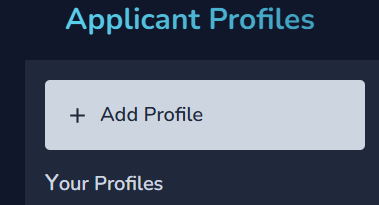
Step 2: Click on “Add Profile”
Clicking on Add Profile takes us to the next screen of setting up the profile.
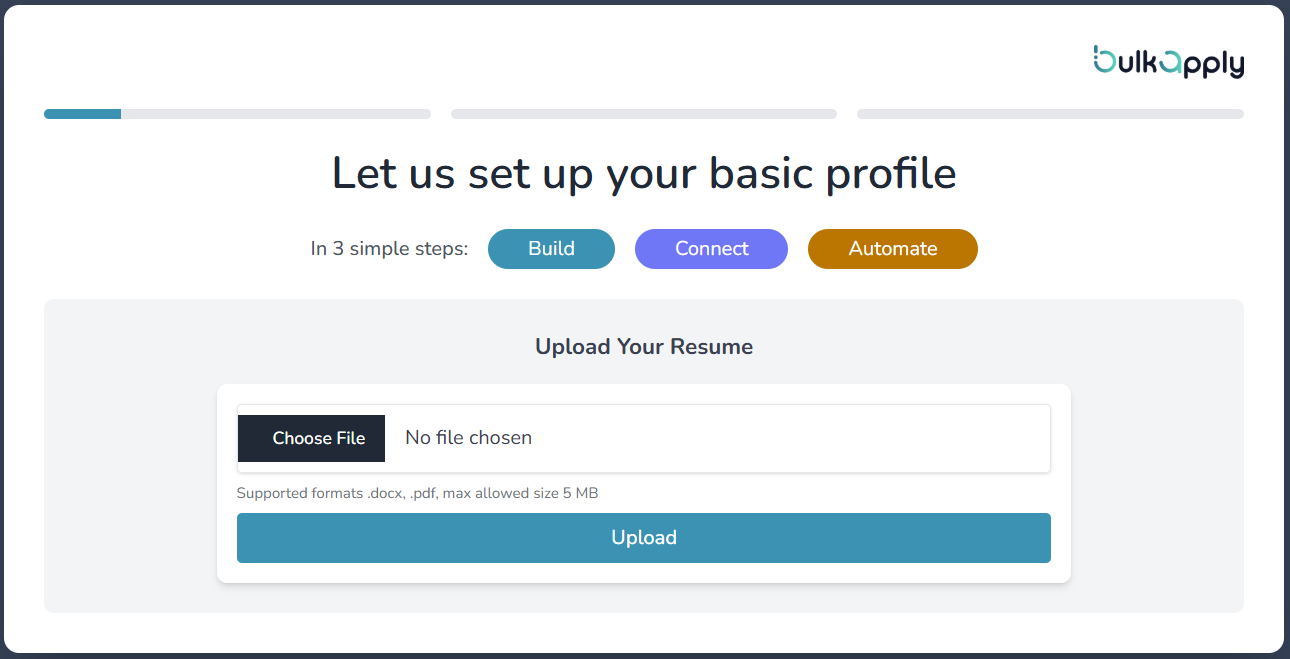
 Follow on-screen instructions navigating through the Three steps of setup - Build , Connect and Automate Stages.
Step 3: Upload Your Resume
Upload your resume in PDF, DOCX, or TXT format. Our AI will automatically parse and extract key information to save you time.
Step 4: Review Basic Details
Our AI automatically extracts and fills in your:
- Full Name
- Contact Information
- Work Authorization
Step 5: Select Job Titles
Choose relevant job titles to target your job search:
- AI suggests titles based on your experience
- Search and add more related titles
- Select multiple titles to increase opportunities
- Include variations (e.g., “Software Engineer”, “Software Developer”)
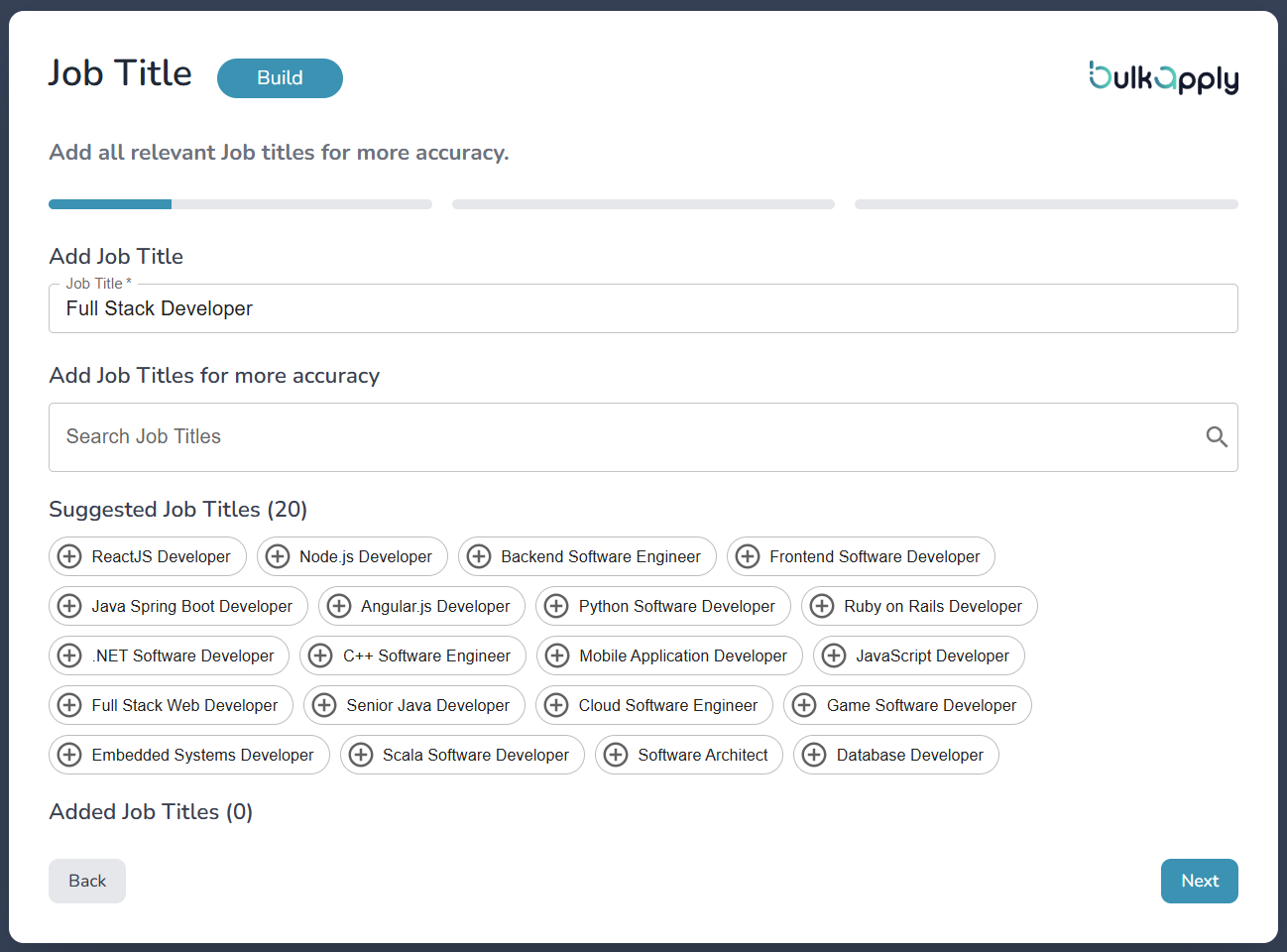
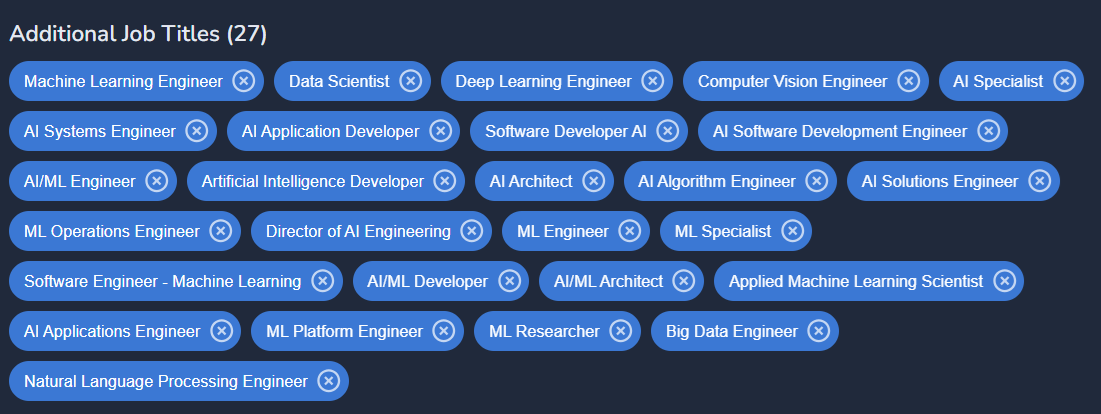
Tips on selecting Job Titles
The incomplete or insufficient ways of searching for the jobs with only a few Job titles is as shown below.
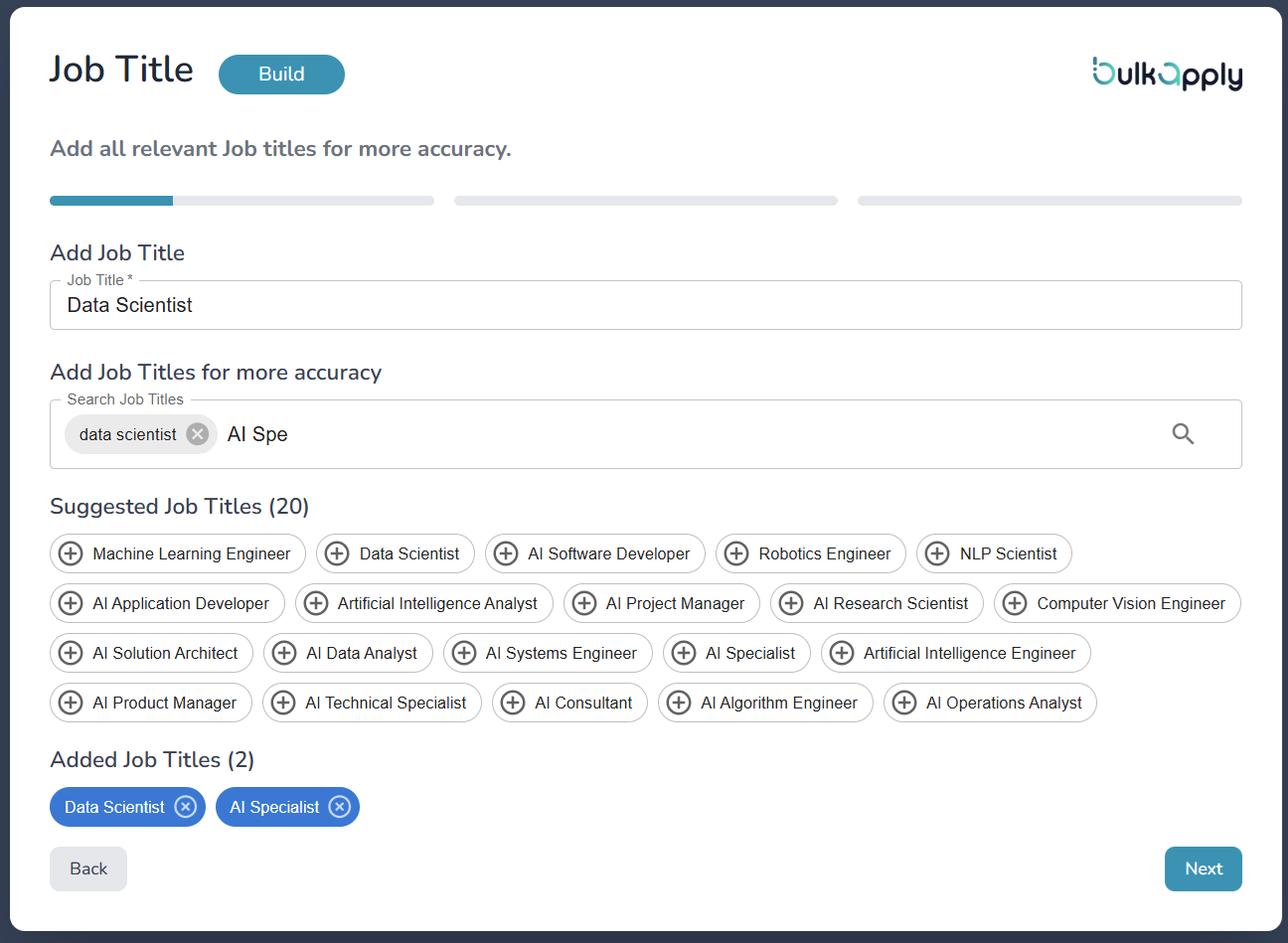 A good example of selecting the Job Titles (Select all the eligible titles):-
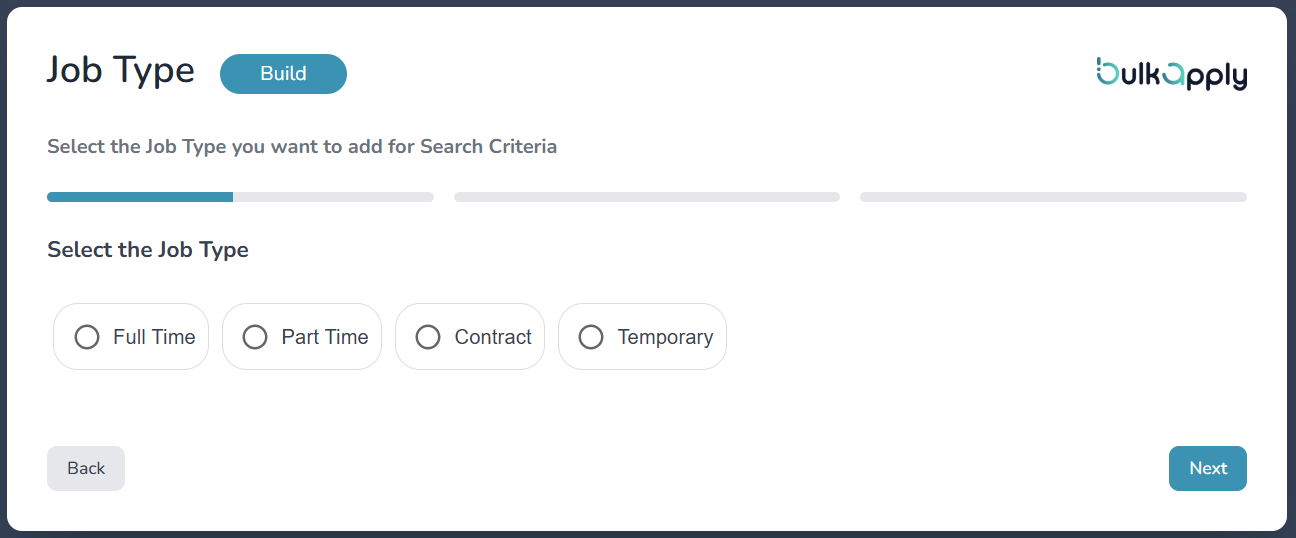
Step 6: Choose Job Types
Select your preferred employment types:
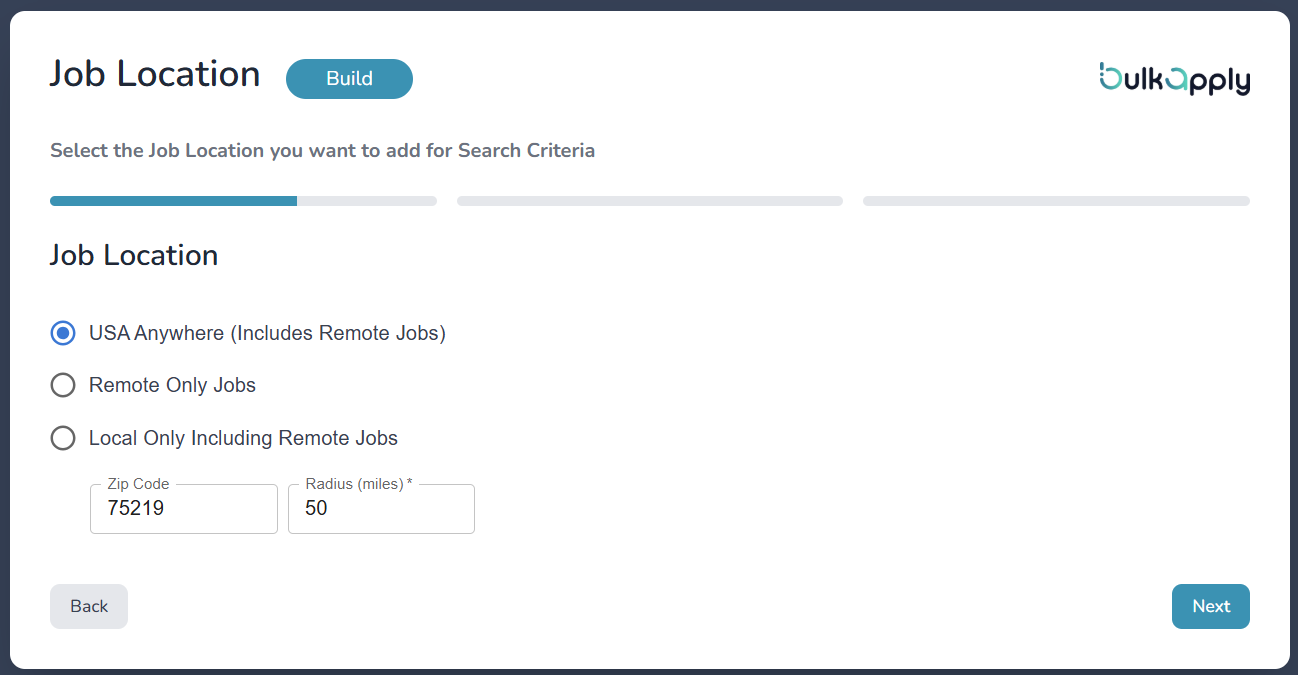
Step 7: Set Job Location Preferences
Choose your preferred work locations:
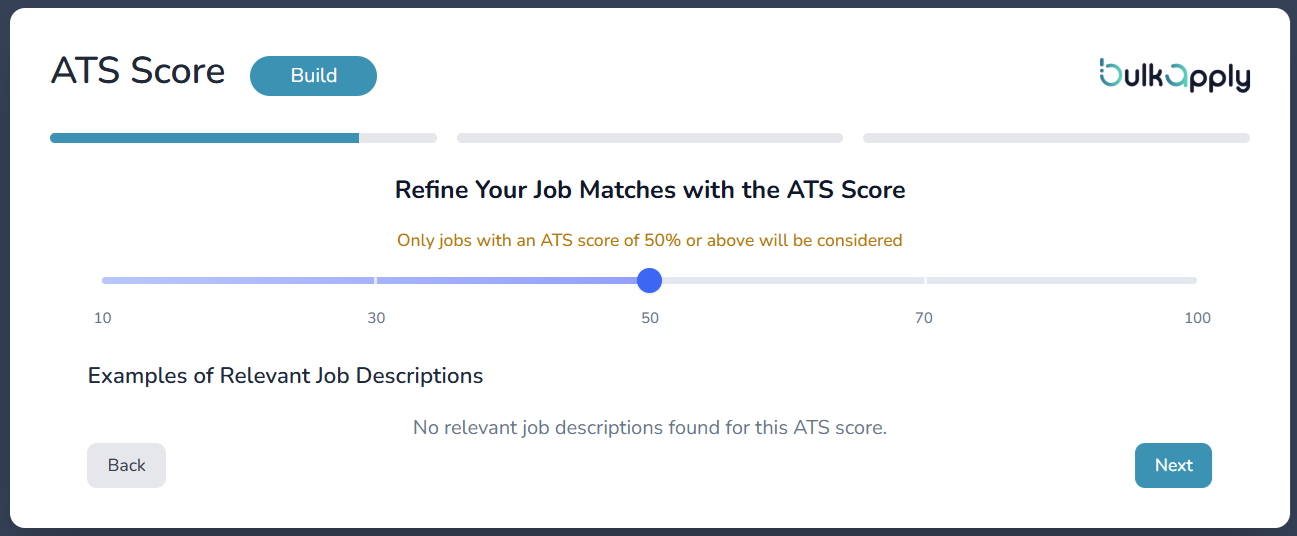
Step 8: Configure ATS Score Filter
Set your minimum ATS (Applicant Tracking System) match score:
Default Setting: 50% minimum match score
- Balances quality matches with quantity of opportunities
- Higher scores mean better matches but fewer opportunities
- Lower scores mean more opportunities but varying relevance
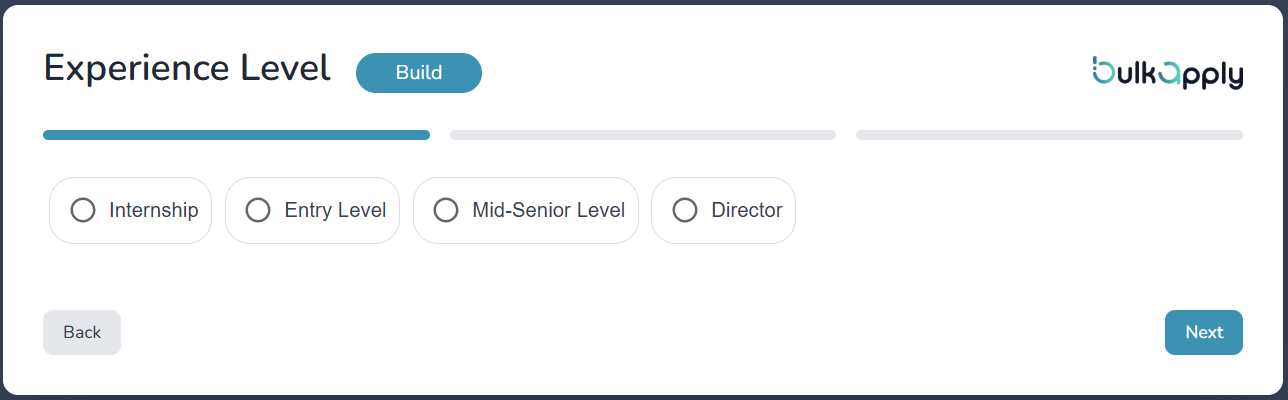
Step 9: Select Experience Level
Choose your career stage:
What’s Next?
After completing your profile setup, you’ll be ready to:
Continue to Job Portal Connections →
Need help? Contact our support team through live chat or email support@bulkapply.ai