Connect to Dice
Connecting your Dice account to Bulk Apply is a crucial step in automating your job search process. By linking your Dice profile, you’ll be able to:
- Automatically apply to jobs that match your preferences and skills
- Save time by letting Bulk Apply handle the application process, including answering screening questions
- Skip repetitive form-filling with automated responses to standard job application questions
Steps to Follow
Follow these steps to connect your Dice account:
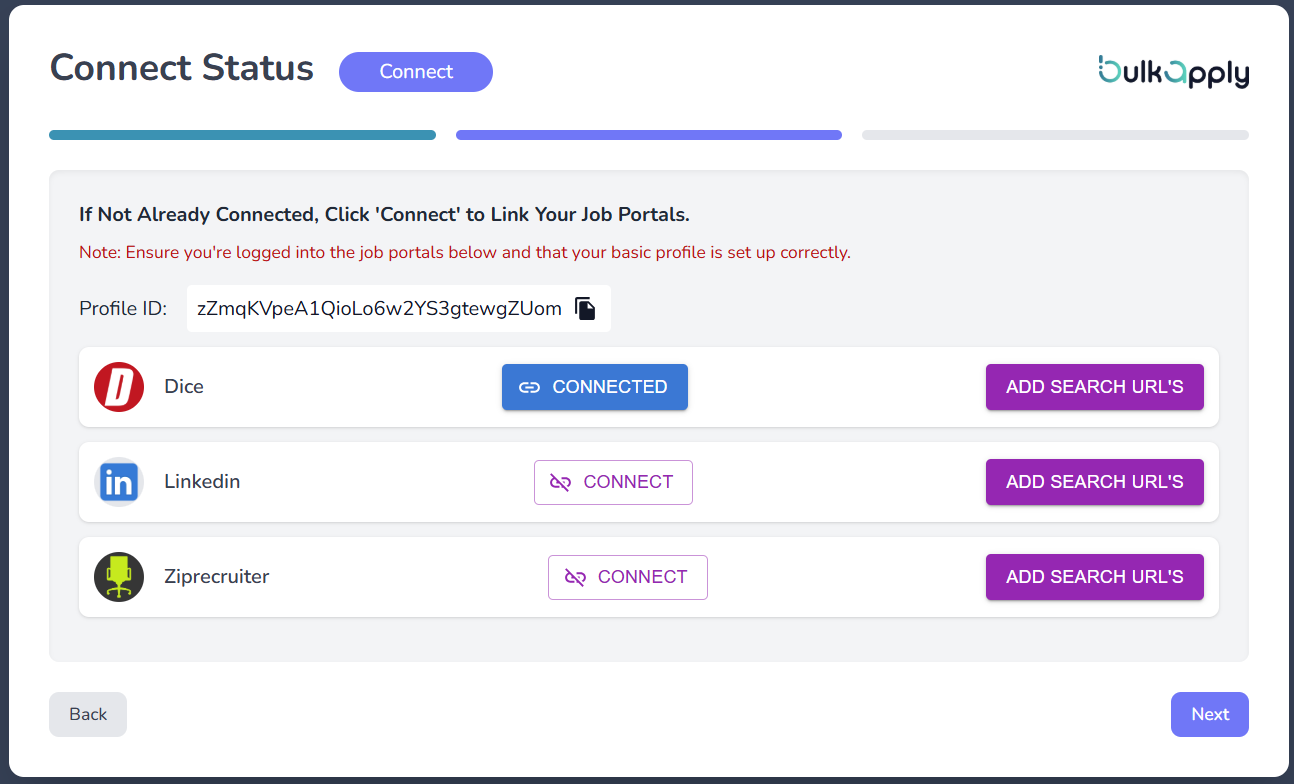
- Click on “CONNECT” in the Dice Column

- There will be a pop up window
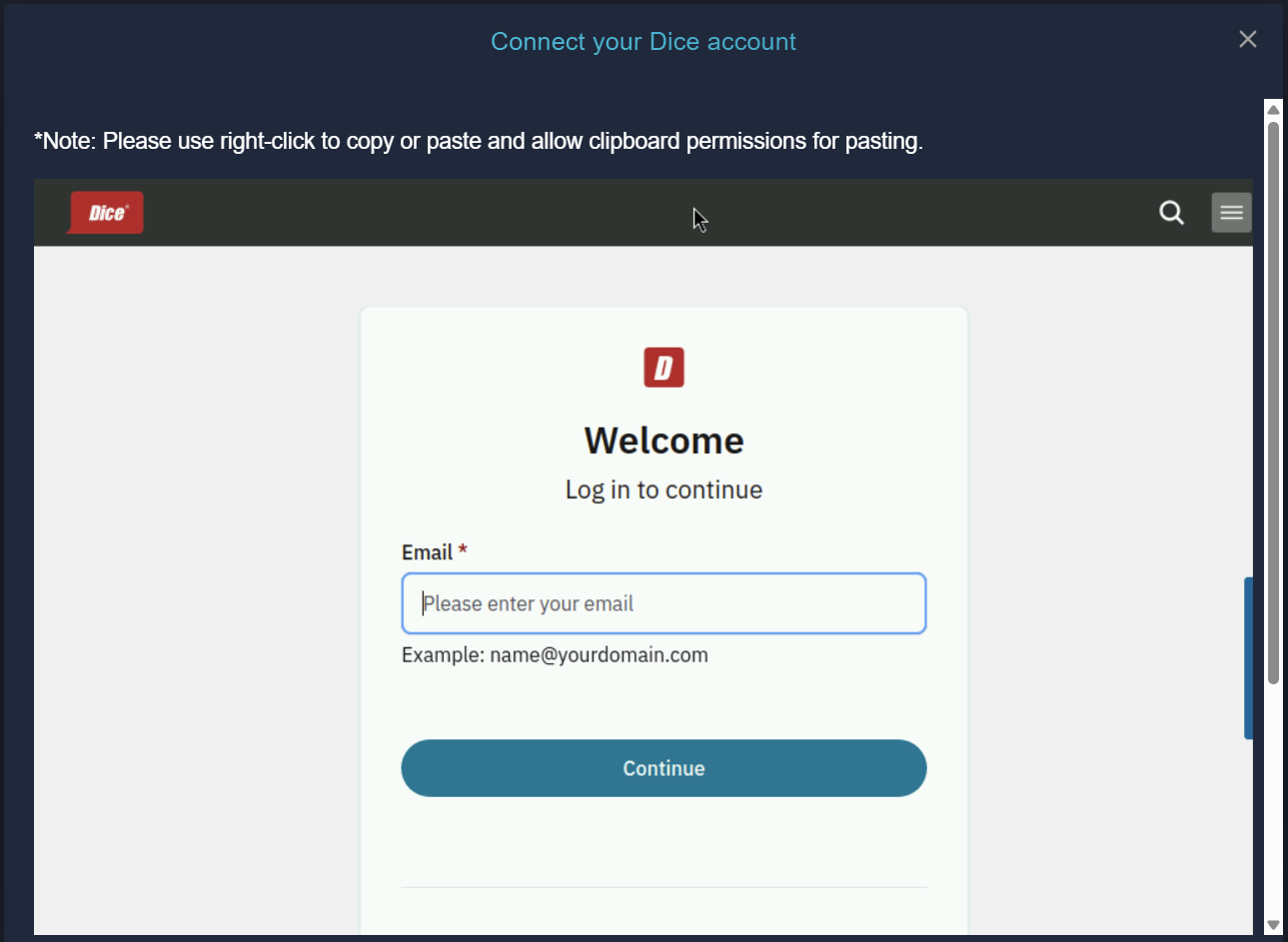
- Enter your Dice credentials email and click on continue
- Enter your Dice credential password and click Sign In
- Congratulations !! now you are connected to Dice
⚠️
Important Reminder: Do not change your password or else Dice would be disconnected from Bulk Apply.Incase if you changed, Enter the new credentials of Dice from Step 1 on this page to reconnect.
What’s Next?
Now that Dice is connected, it’s time to Connect other portals or Jump to Scheduler: